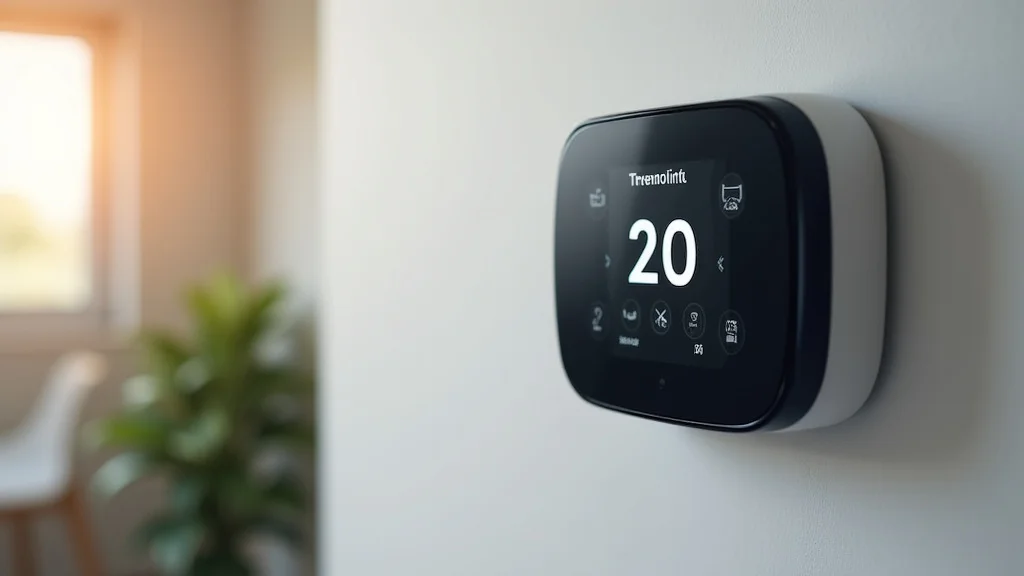
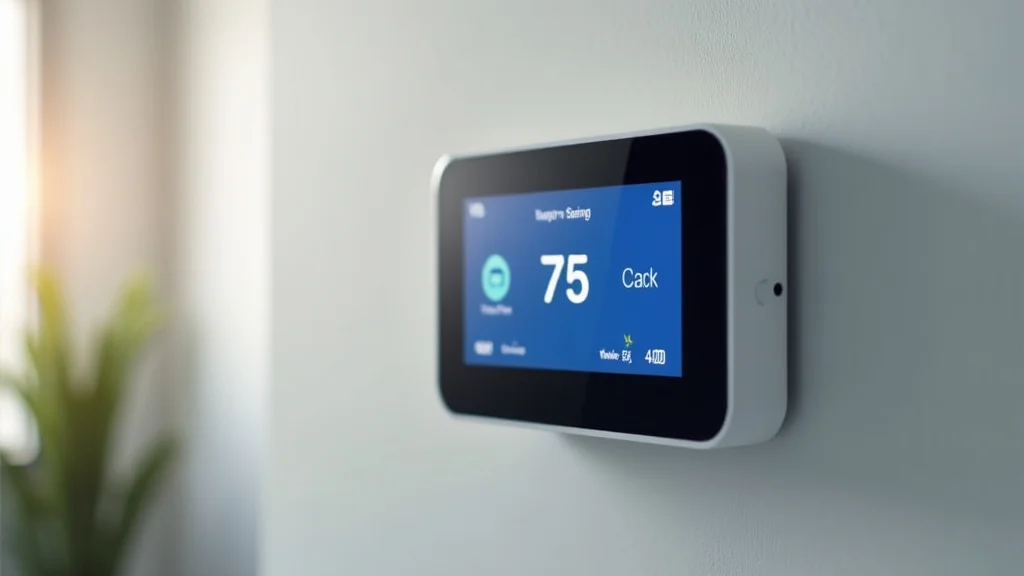
Picture this: It’s a sweltering summer day, and you’re dreaming of cool air. You reach for your phone to adjust the temperature, only to discover your new smart thermostat isn’t working as expected. Many homeowners face installation issues because their wiring isn’t compatible. The absence of a C-wire can be a major hurdle. This guide will help you overcome this challenge, exploring solutions for installing smart thermostats without a C wire. You’ll learn the ins and outs of compatibility and how to keep your home comfortable, gaining valuable knowledge to avoid frustration and save money. Prepare to simplify your life and improve your home’s energy efficiency.
Key Takeaways
- Learn the function of the C-wire and why it matters for smart thermostat compatibility.
- Discover practical solutions to install a smart thermostat when a C-wire is missing.
- Understand the use of C-wire adapters and how they resolve wiring issues.
- Explore the various smart thermostat options that don’t need a C-wire.
- Gain a comprehensive guide to identifying your current wiring setup.
- Master DIY installation and troubleshooting techniques.
The C-Wire Explained Essential for Thermostat Power
The C-wire, often called the “common wire,” is a critical component in your HVAC system. Its primary job is to provide continuous power to your thermostat. Think of it as the lifeline that ensures your smart thermostat always has access to electricity. Unlike older thermostats that might have relied on battery power alone, smart thermostats need a constant power source to function correctly, especially to support advanced features like Wi-Fi connectivity, remote control, and complex scheduling. Without the C-wire, the thermostat might struggle to operate, leading to inconsistent performance and potential operational issues.
This wire acts as the neutral wire in the electrical circuit for your thermostat. It completes the circuit, allowing a consistent flow of electricity. It’s usually a blue wire, but this can vary depending on your system. A working C-wire ensures your thermostat receives a consistent power supply so it doesn’t lose its settings or lose its connectivity. Imagine your smartphone constantly losing power, it’s not a convenient situation. The C-wire provides this important, consistent power for your smart thermostat.
Decoding Your Thermostat Wiring The Basics
Before installing a smart thermostat, the first step is to assess your existing wiring. Removing the old thermostat’s faceplate exposes the wires connected to terminals labeled with letters like R, C, W, Y, G, etc. Knowing which wires you have is important to figuring out your options. This will help you determine if your system has a C-wire. If you spot a wire connected to the C terminal, you’re in luck! If there’s no C-wire, don’t worry, there are still options to work with smart thermostats without a C-wire.
The most common wires have these designations: R (power), W (heating), Y (cooling), G (fan), and C (common). Some systems may have additional wires for features like auxiliary heat or humidification. The absence of a C-wire indicates a potential hurdle, but not an insurmountable one. There are numerous solutions available to ensure compatibility. Take photos of your wiring before removing any wires. It’s important to have a reference for later installation.
- R (Power): Usually a red wire, providing power to the thermostat.
- W (Heating): Typically white, controls your heating system.
- Y (Cooling): Usually yellow, activates your air conditioning system.
- G (Fan): Often green, controls the fan operation.
- C (Common): Often blue, provides constant power (the C-wire).
Identifying C-Wire Alternatives
If your current setup lacks a C-wire, there are several methods to install a smart thermostat without a C wire. C-wire adapters, also known as “power extenders,” are a great option. They draw power from other existing wires, providing the necessary juice for your smart thermostat. This is useful for systems where running a new wire is impractical. Additionally, some smart thermostat models are designed to work without a C-wire, utilizing battery power or clever power management techniques to operate effectively. These thermostats are designed to work in a variety of setups.
These alternatives offer flexible solutions for homeowners. You can use a C-wire adapter or choose a thermostat that is designed to use a different power source. These thermostats are also designed to be compatible with different HVAC setups. The best selection depends on your HVAC system and electrical expertise. These allow homeowners to enjoy the advantages of a smart thermostat even without a C-wire.
- C-Wire Adapters: These provide power to the thermostat by drawing current from the existing wires.
- Battery-Powered Smart Thermostats: Some models rely on batteries for power, eliminating the C-wire need.
- Power-Stealing Thermostats: These models draw a small amount of power from the heating or cooling wires.
- Professional Installation: If you’re unsure, consulting with a professional ensures proper setup.
C-Wire Adapter The Convenient Solution
A C-wire adapter is a clever device designed to provide the necessary power to a smart thermostat when a C-wire isn’t available. It works by “stealing” power from the existing wires, often the R (power) and C (common) wires. This process involves tapping into the heating and cooling wires to deliver the required power for the thermostat. This is a simple option to provide continuous power. These adapters are relatively easy to install and often come with clear instructions. They transform your existing wiring setup.
The adapter is typically installed at the furnace or air handler. This is where it can draw power from the HVAC system. This is a safe and reliable method for powering your smart thermostat. Installation involves connecting the adapter to the appropriate wires in your HVAC system and at the thermostat itself. Before starting, shut off power to your HVAC system. Always follow the manufacturer’s directions for safety. When installed, the adapter acts as the C-wire, making your smart thermostat function correctly.
How C-Wire Adapters Operate
C-wire adapters operate by using the existing wires to create the necessary electrical circuit. They are wired at the thermostat end and the furnace end to draw power from the system. Usually, the adapter is connected to the R and C terminals on the furnace control board. Then, it will create a new C-wire connection at the thermostat. The adapter essentially bridges the gap between the power source and the thermostat. It allows the smart thermostat to function without a physical C-wire.
C-wire adapters don’t consume large amounts of electricity. They are usually energy-efficient and draw minimal power from the HVAC system. Once connected, they provide a constant and stable power supply to the smart thermostat. This ensures that the thermostat continues to operate correctly. These adapters are a practical solution for installations, allowing homeowners to use smart thermostats without needing to run new wiring.
- Power Source: Taps into the 24V AC power from the HVAC system.
- Installation: Typically installed at the furnace and thermostat.
- Efficiency: Designed to use minimal power.
- Functionality: Provides continuous power, so your smart thermostat functions.
Selecting the Right C-Wire Adapter
Choosing the correct C-wire adapter means considering your HVAC system type and the type of smart thermostat you’re installing. Researching compatibility is important. Some adapters are specifically designed for certain thermostat brands. Make sure the adapter you select is designed for your specific setup. Check the product specifications and any compatibility charts provided by the manufacturer. Confirm your existing wiring setup. This includes the number of wires and their functions. The adapter needs to be compatible with your system.
Consider ease of installation and any extra features the adapter offers. Some adapters have simpler wiring than others. Some models include extra terminals for additional wires. Take into account any reviews or feedback from other users. Look for adapters that are rated as reliable and efficient. Confirm that it works with your smart thermostat. With the right selection, you will enhance the smart thermostat’s performance.
- Compatibility: Ensure the adapter matches your thermostat and HVAC system.
- Wiring: Check that the adapter matches the wires you have.
- Features: Look for easy installation and compatibility.
- Reviews: See what others say for performance and reliability.
Smart Thermostat Options without a C-Wire
If you prefer a simpler install, there are several smart thermostats designed to function without a C-wire. These models use alternative methods to keep your thermostat powered. This is useful for homeowners who don’t want to mess with extra wiring. Many modern thermostats are equipped to work in a variety of installations, making them more user-friendly.
These thermostats are specifically engineered to address the absence of a C-wire. Many use batteries or power-stealing methods to operate effectively. These can save time and effort. Many brands are compatible with a wide array of HVAC systems. Review product specifications to ensure a good fit. Choosing one of these thermostats means you can still enjoy all the benefits of smart home technology. These include remote control and energy savings.
Battery-Powered Thermostats
Some smart thermostats use batteries to supply power. These are a great option for those without a C-wire. These usually operate on standard batteries (AA or AAA). They are simple to install because they don’t require any additional wiring. They are also useful in situations where running wires isn’t possible. The thermostat uses the batteries to run its internal functions, including Wi-Fi connectivity and display operation. You will periodically have to replace the batteries. These smart thermostats will alert you when it’s time to replace the batteries.
Battery life varies depending on usage and thermostat features. Look for models with long battery life. This will reduce maintenance. These thermostats provide a straightforward solution. They are the ideal selection for simplicity and ease of setup. Battery-powered smart thermostats are a user-friendly and convenient selection for many homeowners.
- Power Source: Uses batteries for continuous operation.
- Installation: Simple installation, no C-wire needed.
- Maintenance: Requires battery replacement every few months.
- Features: Provides basic smart thermostat features, like temperature control.
Power-Stealing Smart Thermostats
Power-stealing smart thermostats are designed to draw a small amount of power from the existing heating and cooling wires. They do this by drawing power from the wires that supply power to your heating and cooling systems. These thermostats are designed to minimize the impact on your HVAC system. They require less power to operate effectively. This method reduces the need for a C-wire or a dedicated power supply. They are useful for homeowners seeking an easy installation. This simplifies the process.
These models are designed to use power efficiently. The small amount of electricity they draw doesn’t affect your system. They still provide similar features to models with a C-wire. Before choosing one, check that your system is compatible with power-stealing. Review user reviews for real-world performance results. When correctly installed, these thermostats offer a great option for upgrading your system without needing a C-wire. They are ideal for users wanting ease of use and performance.
- Power Source: Draws a small current from heating/cooling wires.
- Installation: No C-wire is required, so installation is easier.
- Compatibility: Check system compatibility before installation.
- Features: Still offer basic smart features, like remote control.
DIY Installation Guide for Smart Thermostats
If you’re comfortable with basic home repairs, you can install your smart thermostat yourself. First, turn off the power at the circuit breaker. This is for your safety. Then, remove the old thermostat cover and take a photo of the wiring setup. This is a useful reference point. Carefully disconnect the wires from the old thermostat terminals, noting the terminal labels. If using a C-wire adapter, connect it at both the thermostat and furnace ends. Follow the manufacturer’s instructions for the wiring connections. Attach the wires to the new smart thermostat terminals, ensuring the connections are correct. Turn the power back on at the breaker, and configure your thermostat per the manufacturer’s instructions. Test and verify all functions.
This process might seem difficult. However, many smart thermostats come with detailed instructions and diagrams. Before starting, read the included instructions. If you’re using a C-wire adapter, follow its separate instructions. Consult online resources and videos for more detailed guidance. Taking your time, following each step, and double-checking your connections will ensure a successful installation. You will then have your smart thermostat functioning correctly.
Step-by-Step Installation
- Shut Off Power: Turn off the circuit breaker that controls your HVAC system. Safety is important!
- Remove the Old Thermostat: Carefully remove the cover and take a photo of the wires and connections.
- Disconnect the Wires: Note the terminal labels and disconnect the wires.
- Install the C-Wire Adapter: If using one, follow instructions to wire at the thermostat and furnace.
- Connect to the Smart Thermostat: Attach wires to the correct terminals on your new thermostat. Refer to instructions.
- Turn On Power: Turn the power back on at the circuit breaker.
- Configure: Follow the manufacturer’s instructions to connect to your Wi-Fi and set up your system.
- Test: Confirm that the heating, cooling, and fan settings work as they should.
Troubleshooting Common Issues
During smart thermostat installation, you may encounter problems. These tips will help you fix common issues. If the thermostat doesn’t turn on, ensure that the power is on at the circuit breaker. Confirm that the wiring connections are secure and correct. If your heating or cooling system doesn’t function, verify that the wires are in the correct terminals on the thermostat. Try resetting your smart thermostat. Some models have a reset button. This resets the device to its default settings. Check the system’s compatibility with your HVAC setup. Read the thermostat’s manual and support articles.
If you cannot troubleshoot the issue, seek help. Contact the thermostat manufacturer for assistance. It is important to address issues. This ensures efficient operation and protects your HVAC system. Correct troubleshooting will solve most problems. This enhances the comfort and performance of your system. Troubleshooting knowledge helps make your smart thermostat without a C wire function effectively.
- Thermostat Not Turning On: Check power source, wiring, and breaker.
- HVAC Not Responding: Confirm wiring, system compatibility, and settings.
- Wi-Fi Connectivity Issues: Check your Wi-Fi signal and the thermostat’s setup.
- Incorrect Temperature Readings: Calibrate the thermostat according to the manual.
When to Seek Professional Help
While installing a smart thermostat is doable for many, there are times when seeking professional support is the best decision. If you’re not comfortable working with electrical wiring or don’t feel confident in your DIY skills, then it is important to contact a professional. If you are unsure about the wiring setup, it is a good idea to seek help. This will prevent damage and ensure a safe, efficient installation.
If you run into issues you can’t resolve by following the instructions and troubleshooting tips, then seek professional assistance. A qualified HVAC technician or electrician will have the required expertise. They can safely resolve wiring problems. They can also ensure that your system is working well. This will protect your HVAC system. A professional will have the tools and experience. This is especially helpful if your HVAC setup is complex, or if you need to run new wiring. Getting expert help ensures peace of mind, correct installation, and peak system performance.
Situations for Professional Assistance
- Complex Wiring: If your wiring is complex or unusual, a professional will help.
- Uncertainty: If you are unsure of your skills, then hiring a professional is a good idea.
- Persistent Problems: If you face installation problems you can’t fix, then get assistance.
- New Wiring Needs: If you need new wires, an expert’s assistance is recommended.
- System Compatibility Issues: A professional can check compatibility and address problems.
Frequently Asked Questions
Question: Can I install a smart thermostat without a C-wire?
Answer: Yes, you can. There are several options, including C-wire adapters, battery-powered thermostats, and power-stealing models.
Question: What does a C-wire do?
Answer: The C-wire (common wire) provides continuous 24V AC power to your thermostat.
Question: Are C-wire adapters safe?
Answer: Yes, C-wire adapters are safe when installed correctly. They use small amounts of electricity.
Question: How do I know if my system is compatible with a smart thermostat?
Answer: Examine your wiring setup, consult product specifications, and confirm compatibility.
Question: What should I do if my smart thermostat isn’t working?
Answer: Check the power, wiring, and settings. Reset the thermostat. Contact the manufacturer or seek professional support.
Final Thoughts
Successfully installing a smart thermostat without a C wire empowers you to upgrade your home’s climate control. By following the guidance, you can assess your wiring, pick the appropriate solution (C-wire adapter, battery-powered model, or power-stealing thermostat), and finish the installation. You now know the importance of a C-wire and the methods to overcome its absence, from using a C-wire adapter to selecting a compatible thermostat. These smart home devices will make your life easier and could reduce your energy bills. Remember to follow installation steps, troubleshoot effectively, and seek professional help. Embrace the ease and efficiency. Start enjoying the benefits of a smart home today.